Install HapticWeb Plugin
Get the plugin running in under a minute.
Requirements
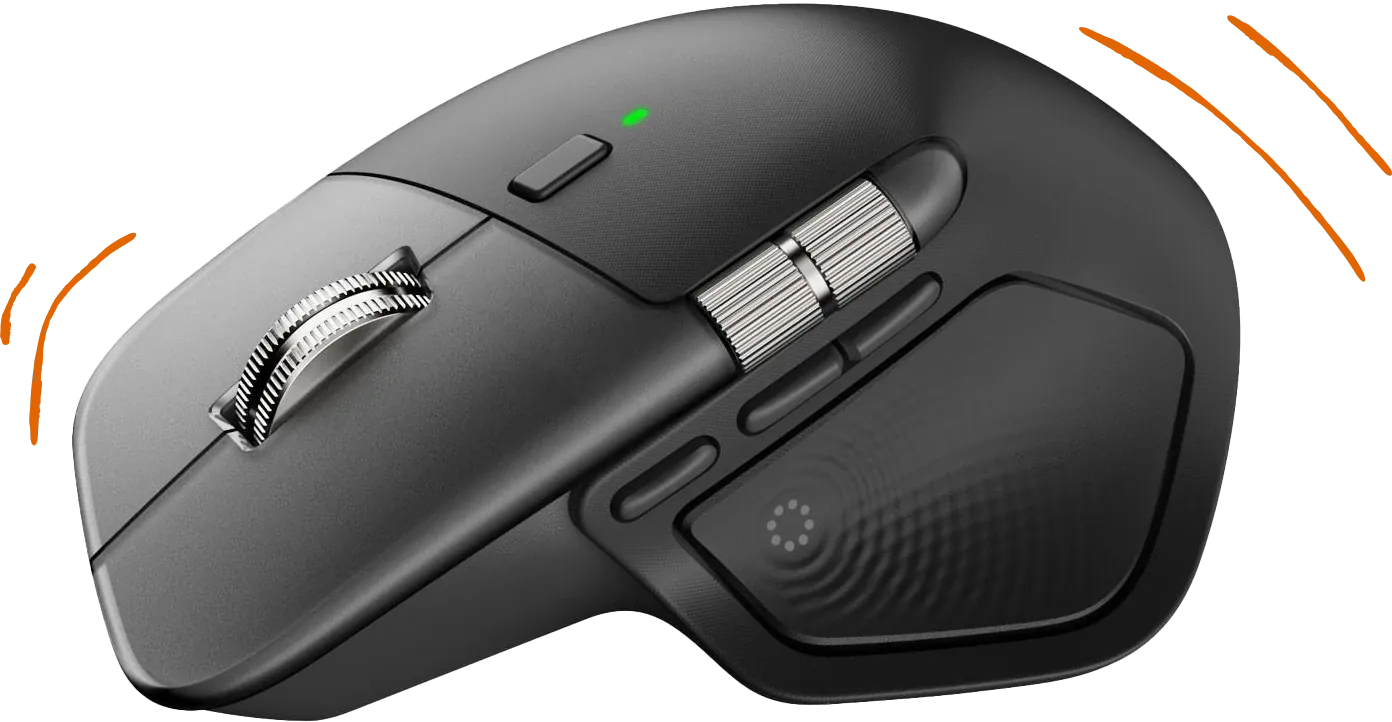
Logitech MX Master 4
The only mouse with controllable haptics via Actions SDK

Installation
Install from the Logitech Marketplace
Open Logi Options+, go to your MX Master 4's Haptic Feedback settings, and find HapticWeb in the marketplace.
Manual Installation
Open plugin management
Logi Options+ MX Master 4 Haptic Feedback Settings popover Install and Uninstall Plugins
Install the plugin
Double-click the downloaded HapticWeb.lplug4 file and click Continue in the dialog.
Done!
The server starts automatically at http://127.0.0.1:41080/.
Test it on the Playground.
Which websites can use it
Like phone vibration on the web, any website you visit can trigger haptics and detect that the plugin is running. Chrome asks for your permission before a site can connect to local services. The server only accepts connections from this computer.
Troubleshooting
Port already in use
If port 41080 is in use, stop other services using the port:
Then restart Logi Plugin Service.
WebSocket connection failed
- Verify the server is running:
curl http://127.0.0.1:41080/ - Check browser console for errors
- Chrome asks before a site can reach local services; allow the local network access prompt